
Embedded Visual C++ 第一 個應用程式 - Hello World !
使用EVC++建立一個簡單的hello world應用程式, 然後在EVC++所提供的模擬器(emulator)下測試執行的結果
軟體:
Embedded Visual C++ 4.0
步驟:
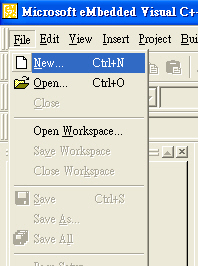
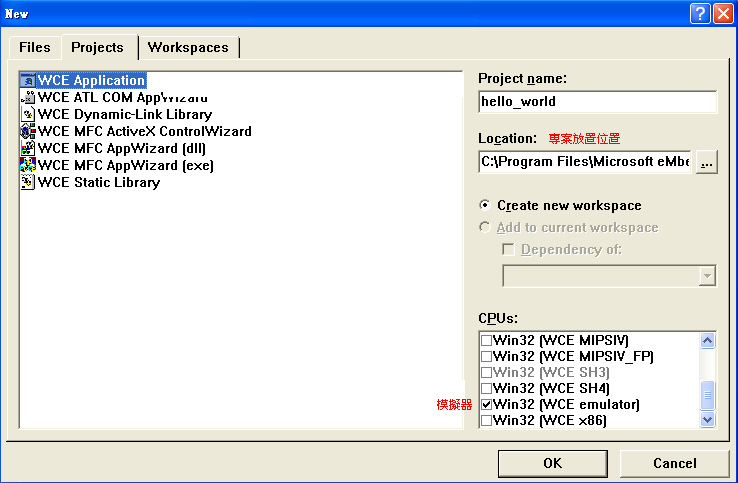
- 啟動Embedded Visual C++ 4.0, 選擇File–>New
選擇A topical “Hello World ! “ application, 按Finish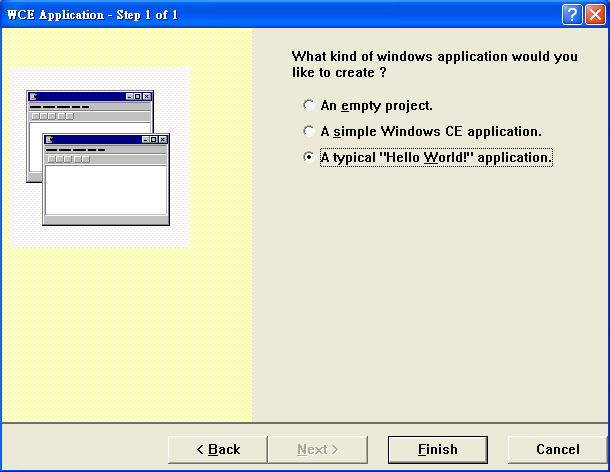
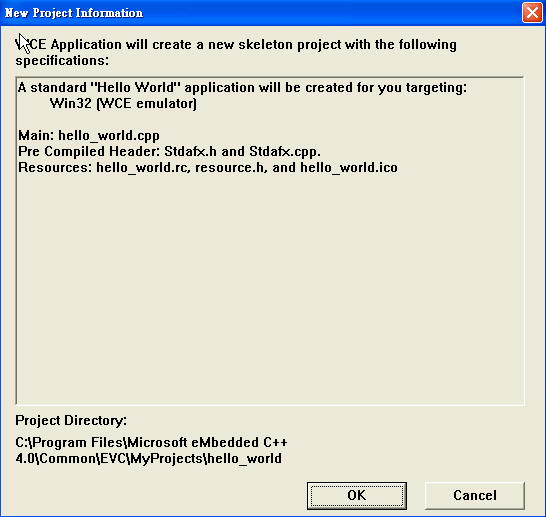
新建專案的一些資訊, 按OK
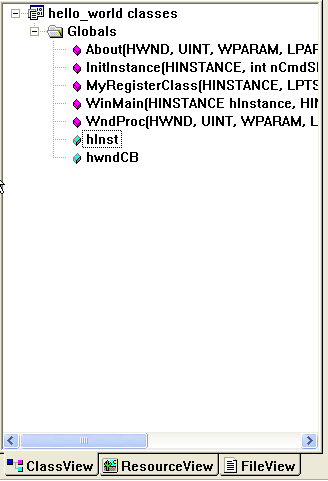
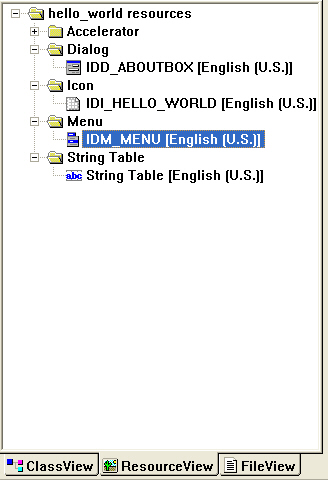
Hello world程式建立完成, 我們可以選擇ClassView, ResourseView, FileView分別觀看程式的內容,
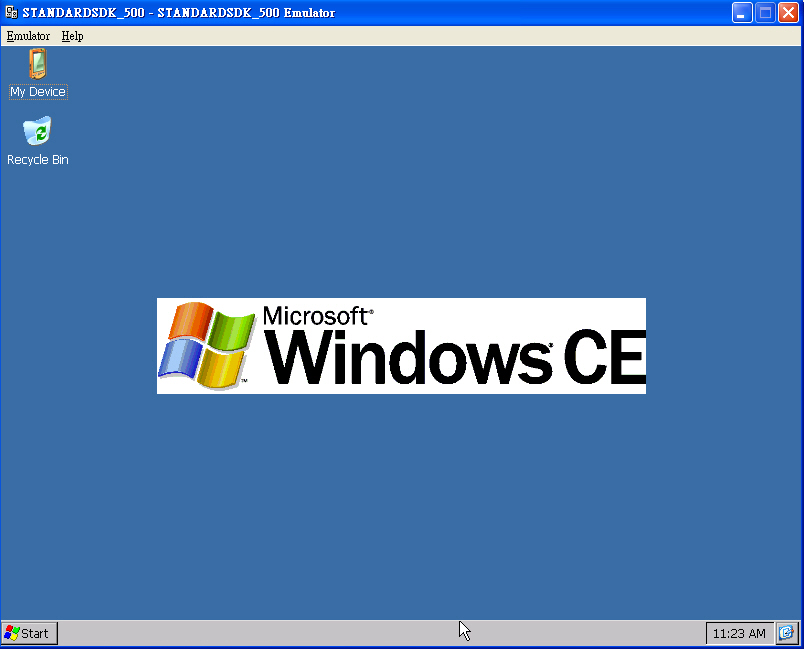
 7. 出現模擬器介面
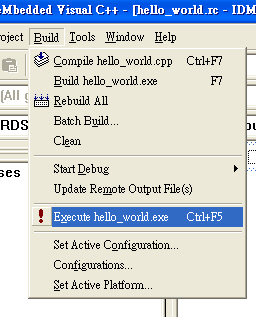
選擇在Menu列中的Build–> Execute hello_world.exe
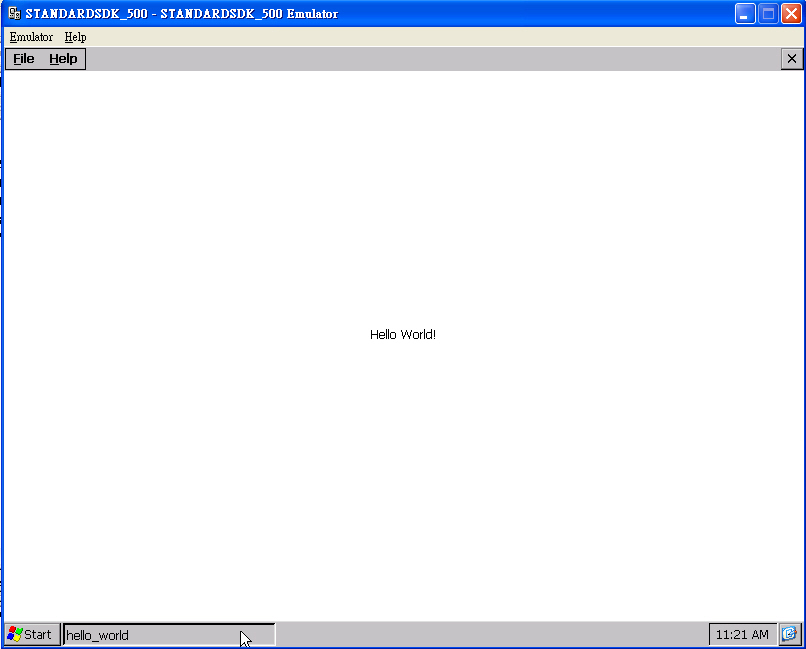
hello_world程式在模擬器中執行的情形
選擇Projects中的WCE Application (以Win32為基礎的Windows CE應用程式), 在CPU選項中選擇WCE Emulator作為測試平台, 按OK
本部落格所有文章除特別聲明外,均採用CC BY-NC-SA 4.0 授權協議。轉載請註明來源 X Workshop|量測自動化 × 嵌入式 × AI 開發實戰!